Everything about your own account lives in the Account part of the menu: Profile, Security, Notifications, Billing and Support. These settings belong to you, not to an organization, so they follow you into every organization you are part of.
Profile
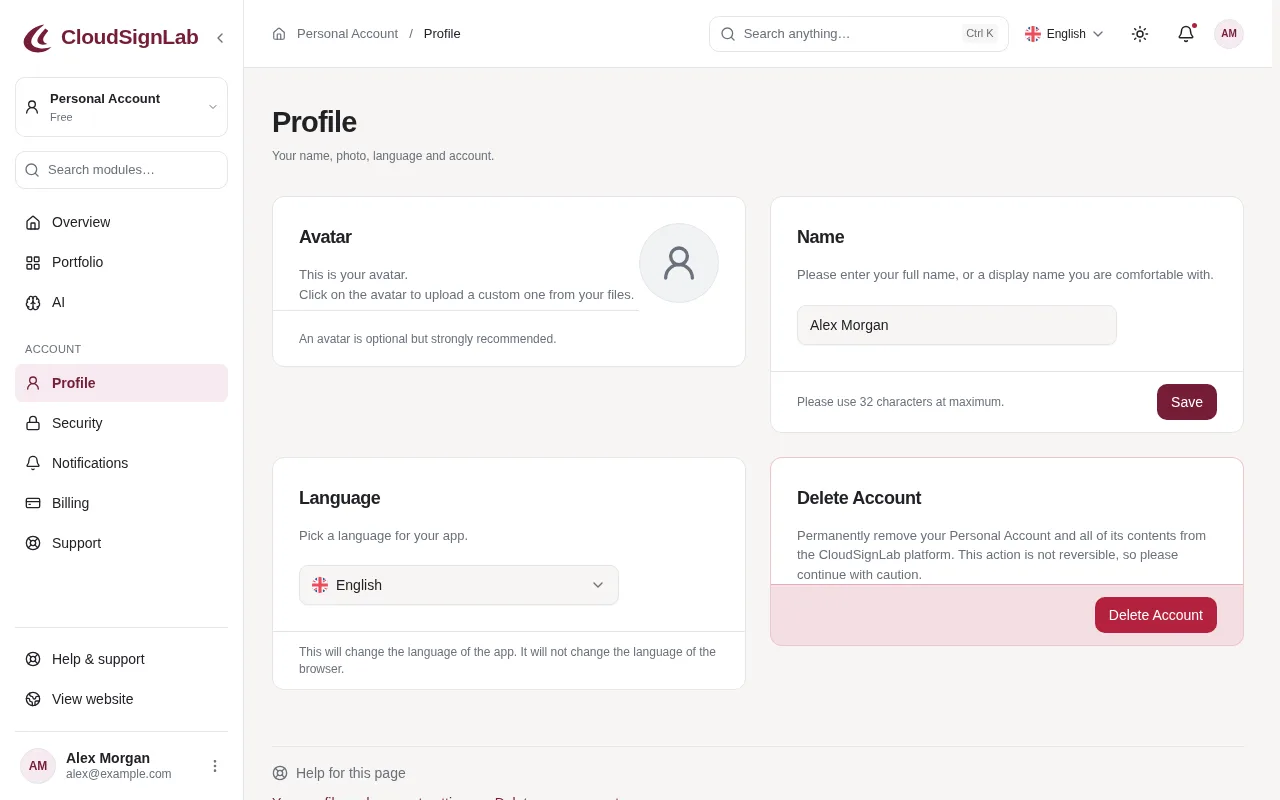
- Avatar: click the round picture to upload a photo (JPG, PNG or WebP, up to 5 MB). Your colleagues see it next to your name.
- Name: when you sign up, your name comes from your email address. Enter your full name here and click Save.
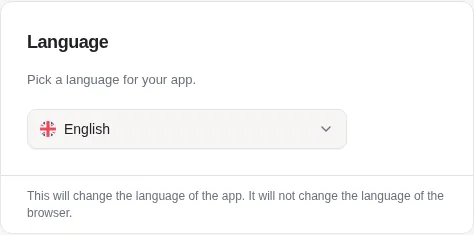
- Language: pick English, Spanish or German. The app switches at once; emails follow the language you last signed in with.
Security
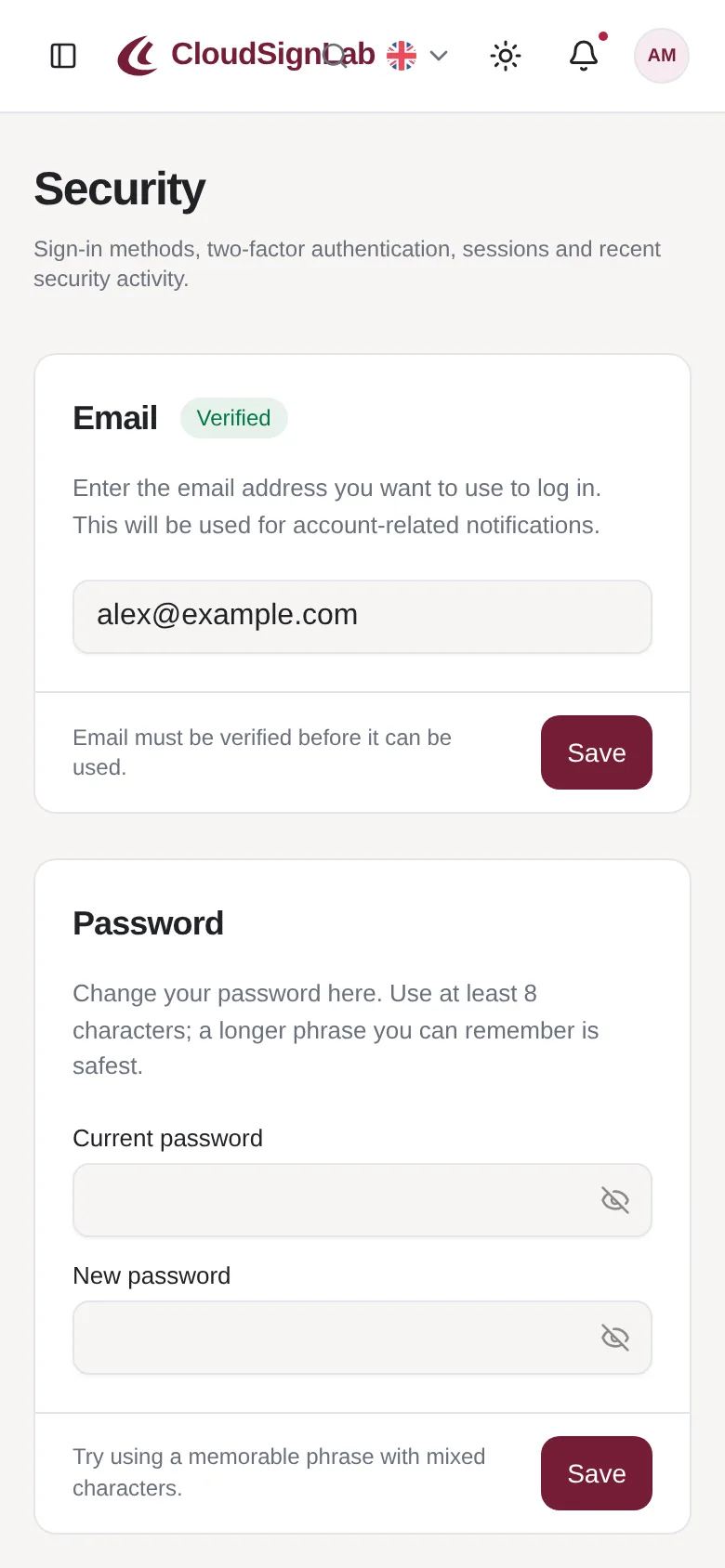
- Email: type a new address and click Save. We first send a confirmation to your current address, then a link to the new one. The change is made only when you have clicked both, so nobody can move your account to their own address.
- Password: see "Reset a forgotten password".
- Passkeys and Two-factor Authentication: see their own articles.
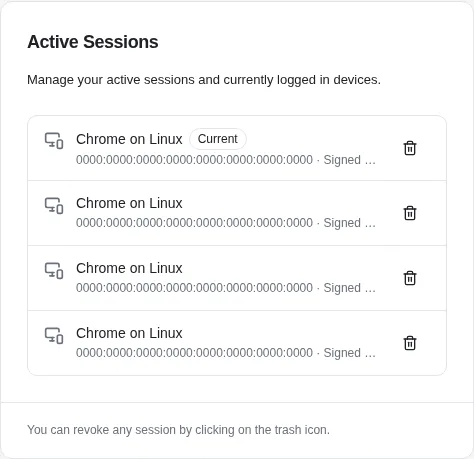
- Active Sessions: every browser and device where you are signed in. Do not recognize one? Click the bin icon to sign it out, then change your password.
- Recent security activity: sign-ins and security changes on your account in the last 30 days.
The Security page works on your phone as well.
Notifications
Everything appears under the bell at the top of the app. On Notifications you choose which of them you also want by email. Security emails, such as a sign-in from a new device, are always sent.
Appearance
Click the sun icon at the top to choose light or dark mode, a colour palette, corner radius and font. These choices are saved in the browser you are using.