Frameworks shows how ready you are for NIS2 Article 21(2) and ISO/IEC 27001:2022 Annex A, worked out from your controls. For ISO 27001 it also holds your Statement of Applicability (SoA).
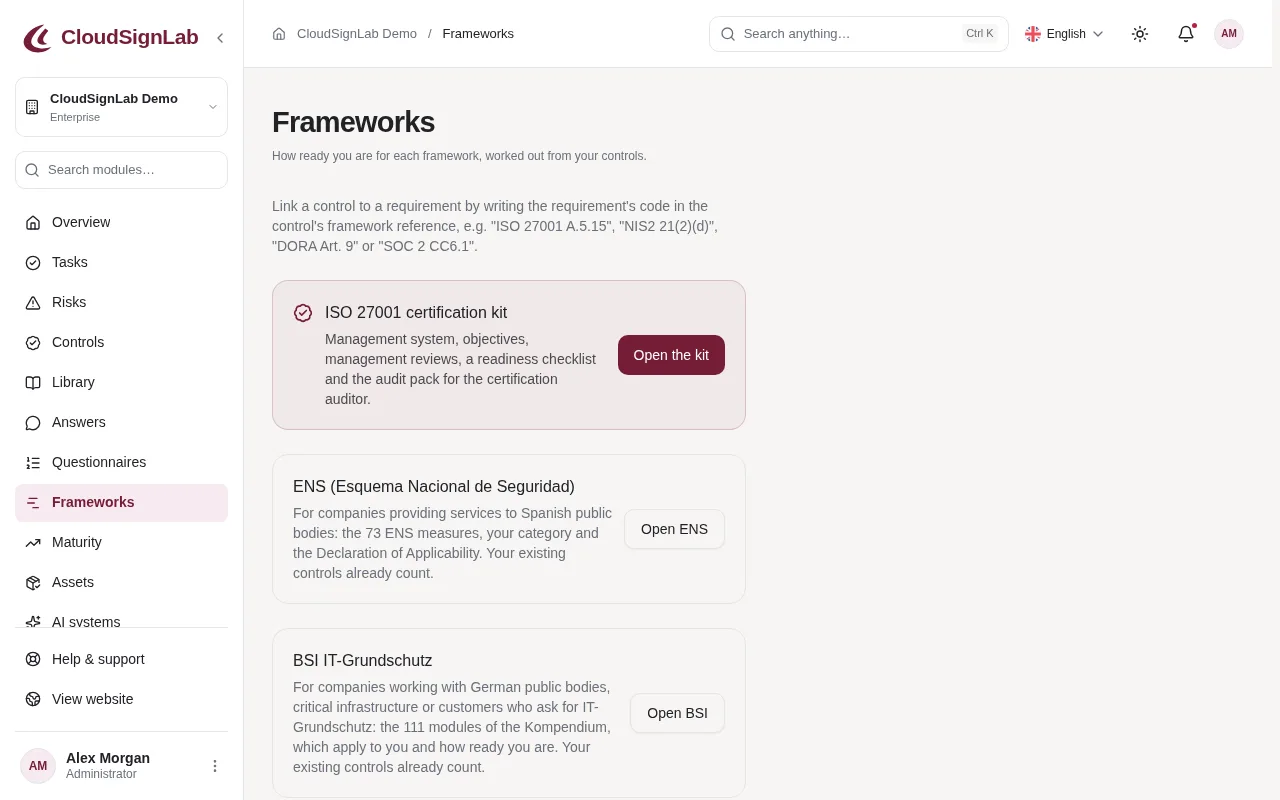
How controls count for a requirement
A control counts for a requirement when its Framework reference names the requirement's code, for example "ISO 27001 A.5.15" or "NIS2 21(2)(d)". Controls added from the library already have these codes. A requirement is implemented when all its controls are implemented, and the percentage is implemented requirements out of applicable ones.
Each requirement shows one state: Implemented, In progress, Not started, No control yet or Not applicable.
How to see your readiness
- Open Frameworks in the menu.
- Each framework shows its percentage and how many requirements are in progress, not started, without a control or not applicable.
- For requirements with No control yet, add a control in Controls or Library with the matching code.
How to keep the Statement of Applicability
- On Frameworks, go to Statement of Applicability. Filter by theme or status if needed.
- Click Edit next to a requirement.
- Tick or untick Applies and write the Reason: why it applies, or why it is excluded.
- Click Save.
- Click Download for Excel to share the SoA, for example with an auditor.
Tips
- The NIS2 measures always apply to entities in scope; only ISO Annex A requirements can be excluded.
- Only the Annex A codes are shown, because the ISO texts are copyrighted. Keep your copy of the standard at hand.
- Everyone who can see controls can read the SoA; changing it needs permission to change controls (owners and admins).
- Every SoA change is recorded in the audit log.
- Frameworks is available from the Supplier Ready package.
Each framework is its own part of your package. A framework your package does not include is shown with a lock and a link to upgrade; what you recorded for it stays readable.
The page also has cards for the ISO 27001 certification kit, ENS and BSI IT-Grundschutz, a list of the ten NIS2 Article 21(2) measures with their controls, the More frameworks panel and, for Spain, Germany and Austria, a country guide.