If you run or work in a European company, you have probably heard "NIS2" in the last year: from a customer, an auditor, your IT provider or a worried manager. It sounds complicated. The good news: the idea behind it is simple, and most of what it asks for is plain good practice.
This guide explains what NIS2 is, whether it affects you, what it actually requires, and how to get ready without drowning in spreadsheets.
NIS2 in one paragraph
NIS2 is an EU law, officially Directive (EU) 2022/2555, that raises the minimum level of cybersecurity for companies that keep Europe running: energy, transport, health, water, digital services, manufacturing, food and many more. It replaced the first NIS directive from 2016, which covered far fewer companies. Each EU country turns NIS2 into its own national law, so the details (and the authority you deal with) depend on where you are based.
Does it apply to my company?
Two questions decide most cases:
- Do you work in one of the covered sectors? NIS2 lists "sectors of high criticality", such as energy, transport, banking, health, drinking water, digital infrastructure and public administration, and "other critical sectors", such as postal services, waste management, chemicals, food, manufacturing (for example machinery, electronics, vehicles and medical devices), digital providers and research.
- Are you at least medium-sized? As a rule of thumb, that means 50 or more employees, or more than €10 million in annual turnover and balance sheet.
If both answers are yes, NIS2 very likely applies to you. Some organizations are covered whatever their size, for example DNS service providers, trust service providers and some public bodies.
Covered companies are either essential or important entities. Both have the same duties; the difference is how closely the authorities supervise them and how high the fines can go.
Not sure? Our free NIS2 check asks five questions and tells you in a minute whether NIS2 probably applies to you. Your answers stay in your browser.
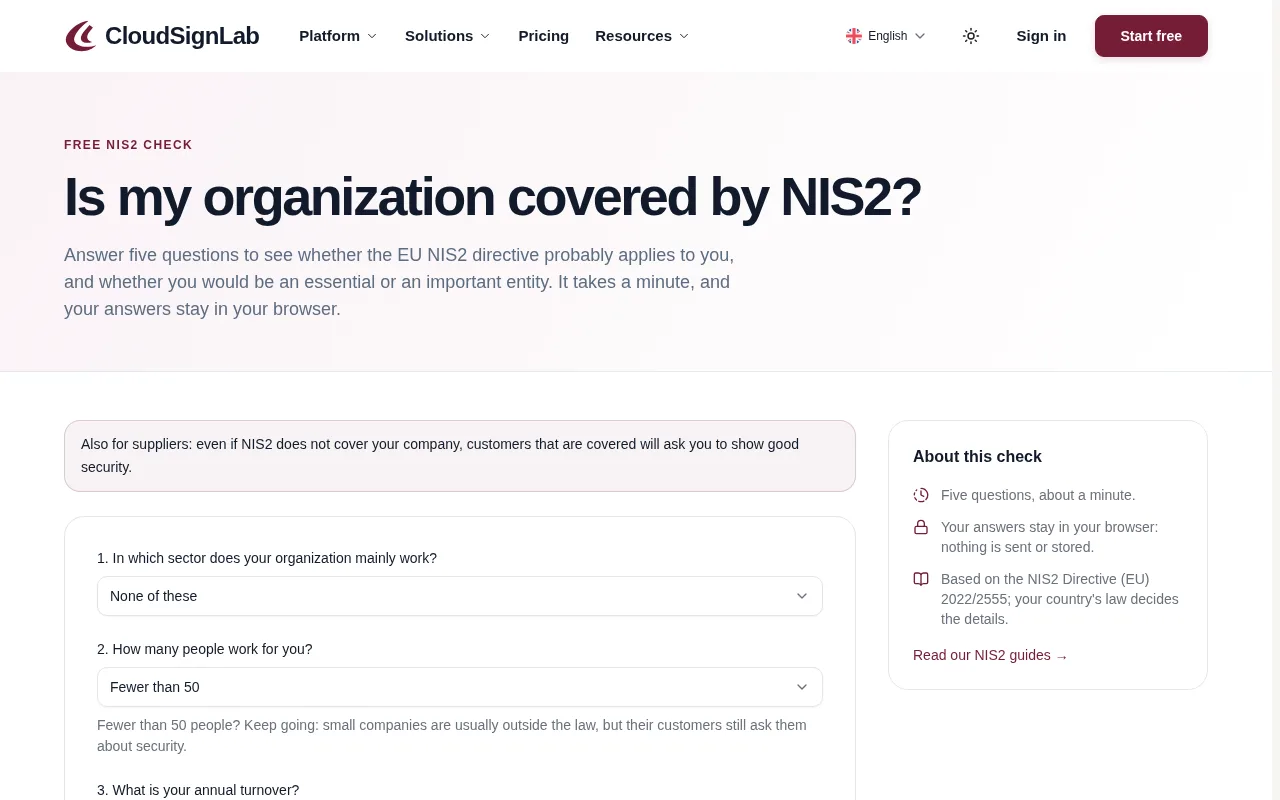
"We're too small, so we can ignore it", right?
Not quite. Even if the law does not cover you directly, your customers may be covered, and NIS2 requires them to look after the security of their supply chain. In practice that means security questionnaires, contract clauses and requests for evidence landing in your inbox. For many small and medium suppliers, that is where NIS2 is felt first.
What does NIS2 actually ask for?
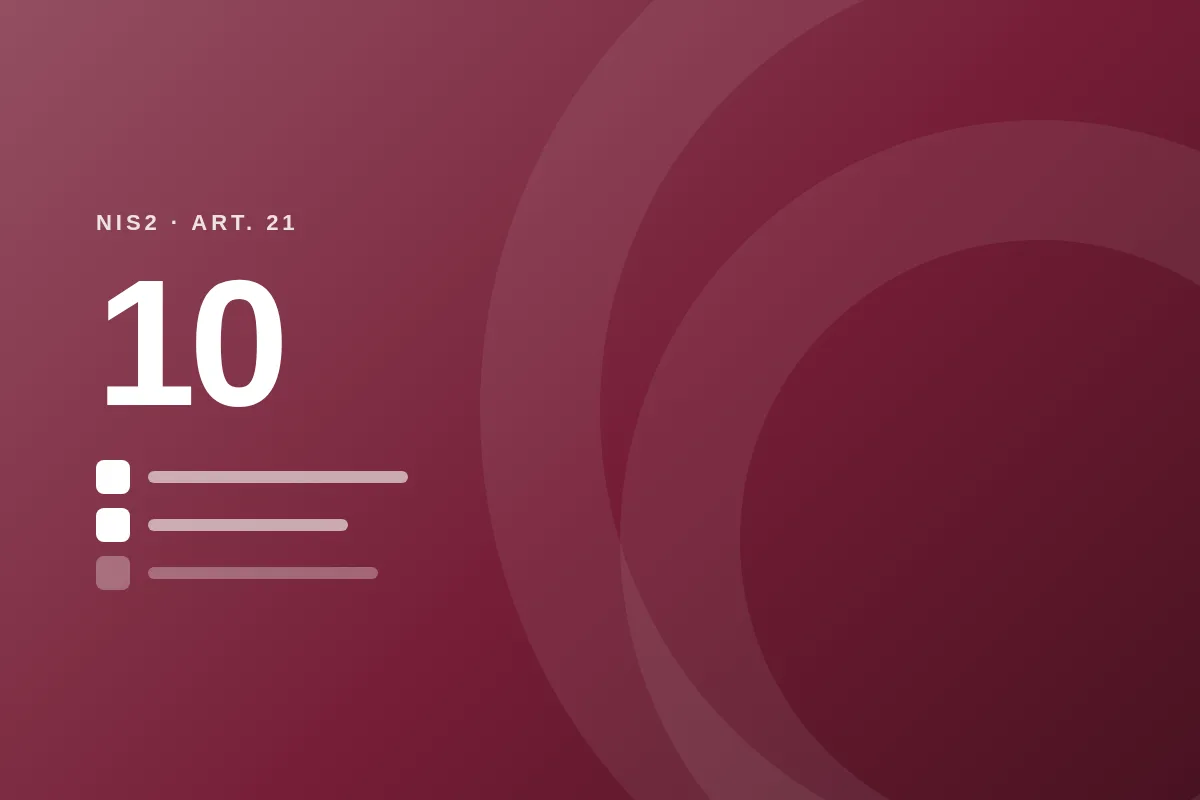
Article 21 lists ten areas of security measures. In plain words:
- Know your risks: a risk analysis and security policies for your information systems.
- Handle incidents: a way to detect, respond to and learn from security incidents.
- Keep the business running: backups, disaster recovery and crisis management.
- Secure your supply chain: check the security of the suppliers you depend on.
- Build and buy securely: security when you acquire, develop and maintain systems, including handling vulnerabilities.
- Check that it works: regularly assess whether your measures are effective.
- Basic cyber hygiene and training: updates, good habits, and training for everyone.
- Cryptography: use encryption where it matters.
- People, access and assets: HR security, access control, and knowing which assets you have.
- Strong sign-in: multi-factor authentication and secure communication, including in emergencies.
The measures must be proportionate: a 60-person manufacturer is not expected to run a bank's security department.
The 24-hour rule: reporting incidents
When a significant incident happens (one that seriously disrupts your services or causes serious damage), NIS2 sets a clear clock:
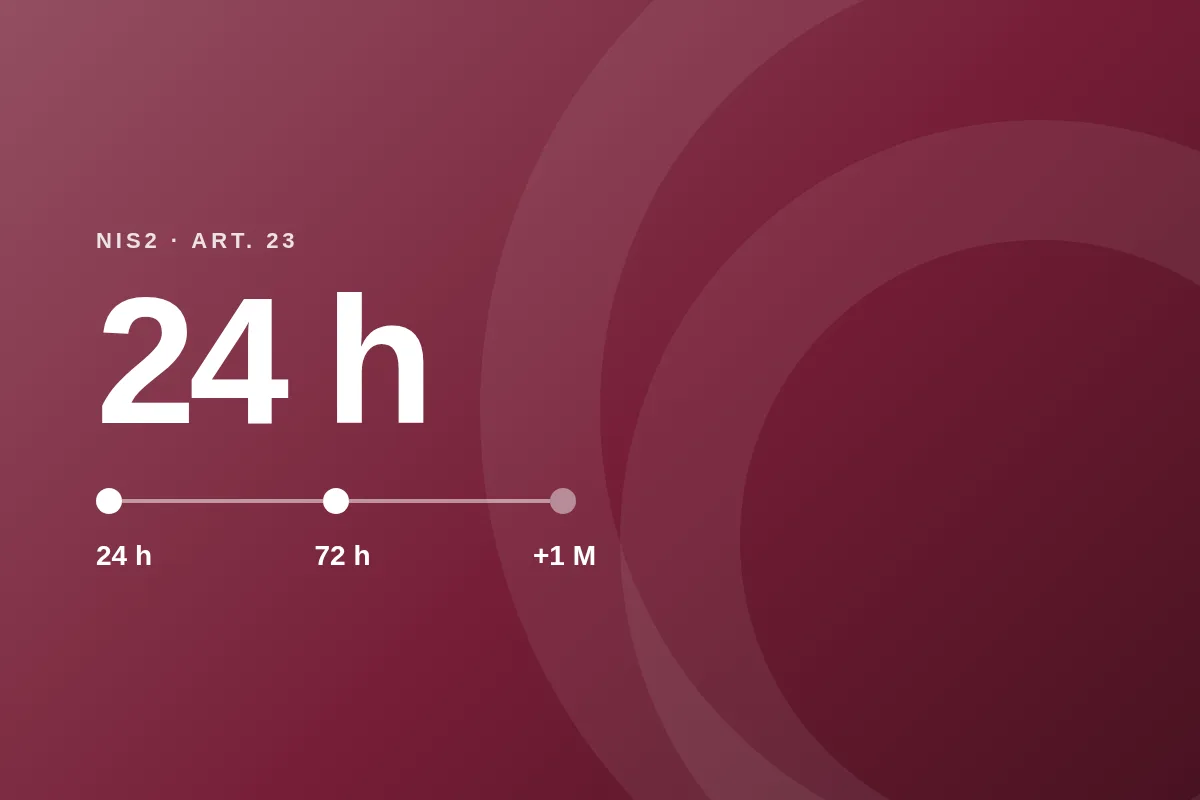
- Within 24 hours: an early warning to the national authority or CSIRT.
- Within 72 hours: an incident notification with a first assessment.
- Within one month: a final report.
Twenty-four hours goes fast, especially at night or on a weekend. The companies that meet it are the ones that decided beforehand who does what.
Management is responsible
NIS2 puts cybersecurity on the agenda of the board. Management must approve the security measures, oversee them and take part in training, and it can be held responsible if the company fails to comply. Fines can reach €10 million or 2% of worldwide annual turnover for essential entities and €7 million or 1.4% for important ones.
That is not meant to scare anyone. It simply means security is no longer "just an IT topic".
A realistic way to get ready
You do not need to do everything at once. A sensible order:
- Find out where you stand. Does NIS2 apply, and which parts matter most for you?
- Name an owner. Someone who keeps the list, and a manager who signs off.
- List your risks and your most important systems and suppliers.
- Close the quick wins first. Multi-factor sign-in for everyone, backups you have actually tested, and a short incident plan with phone numbers.
- Write down what you already do. Much of it exists, but nobody wrote it down. Policies and evidence turn "we do this" into "we can show this".
- Train people, and repeat it every year.
- Review regularly. NIS2 is not a one-time project; it is a habit.
How CloudSignLab makes it easier
We built CloudSignLab because getting ready for NIS2 usually means a mountain of spreadsheets, copied templates and emails with attachments. We wanted it to feel like a clear to-do list instead.
Start with five questions. When you set up your organization, CloudSignLab asks where you work, your sector and your size, and picks the controls that apply to you.
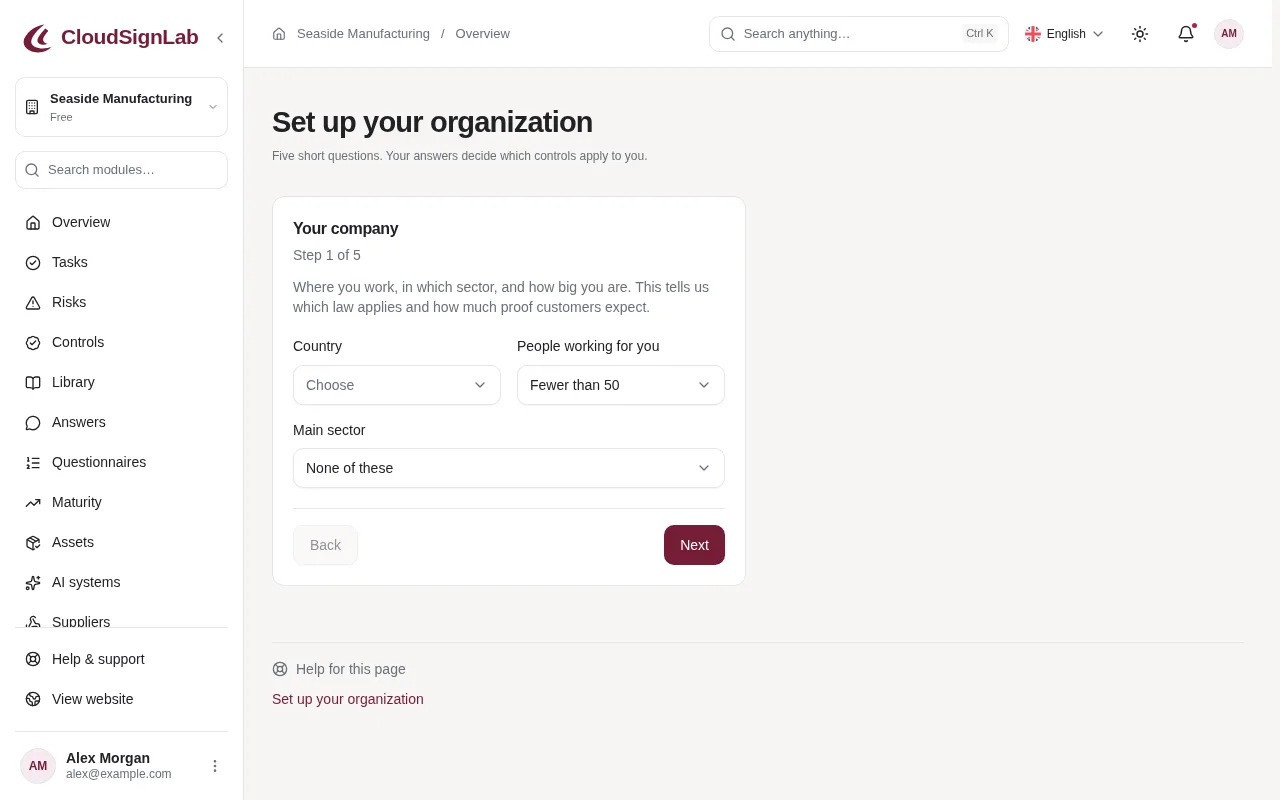
Follow the steps. The overview shows a Getting started list and your numbers at a glance: open risks, controls implemented, active incidents and overdue tasks.
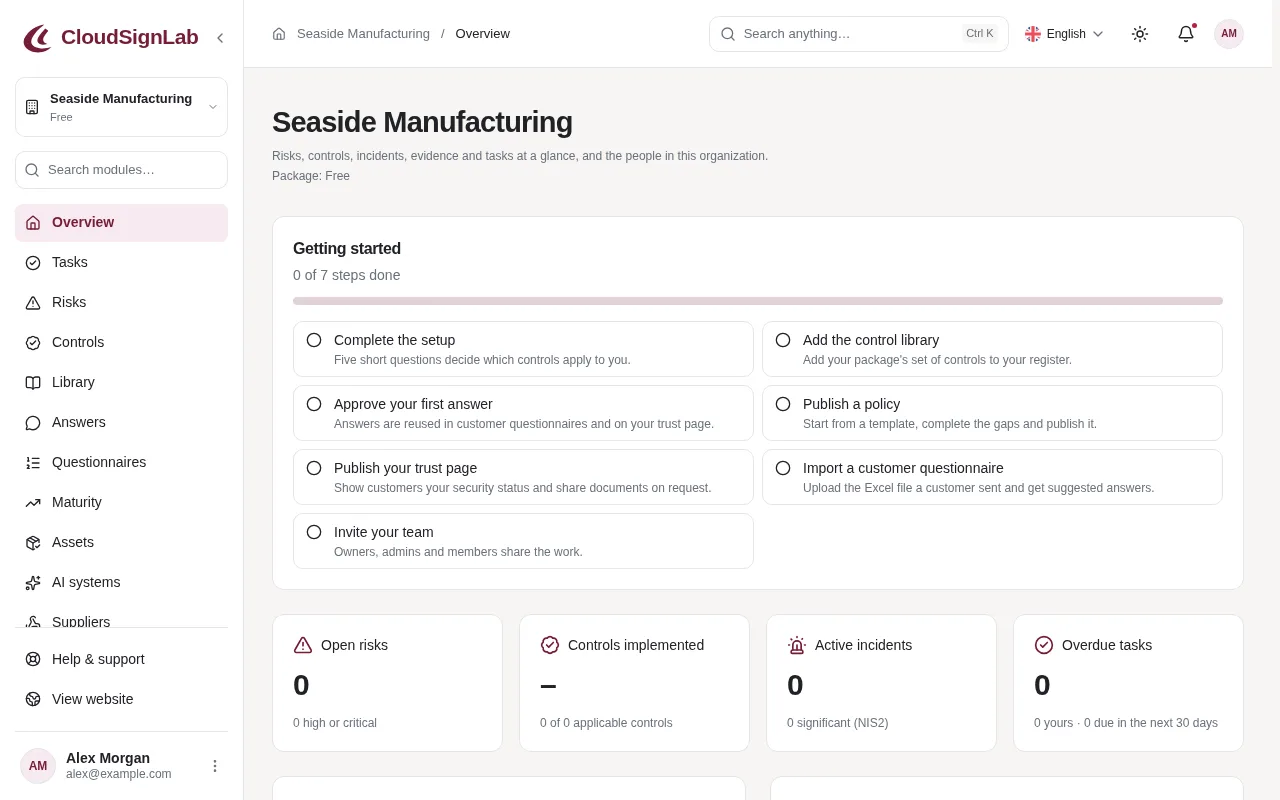
Then, one step at a time:
- Controls mapped to NIS2. A ready-made control library, linked to the ten areas of Article 21, so you can see what is done and what is missing.
- Risks, assets and suppliers in simple registers, with reminders when a review is due.
- An incident clock. Report an incident and CloudSignLab counts down the 24-hour, 72-hour and one-month deadlines, with reminders before each one.
- Policies people actually read. Start from templates, publish, and see who confirmed them.
- Evidence in one place. Files and proof linked to the right control, with a warning before they expire.
- Training, continuity plans, access reviews and internal audits, each with its own simple workflow.
- Customer questionnaires in minutes, not days. Import the Excel file a customer sent, reuse your approved answers, and share a trust page.
- A report for management. A printable summary your board can read, approve and sign.
- Automatic checks of Microsoft 365, Google Workspace and AWS settings (such as multi-factor sign-in and admin accounts), which turn into evidence and tasks. Coming to packages soon.
And because your security data deserves protection too, every account can use two-factor authentication or passkeys, organizations can require them, and everything is hosted in the EU.
Where to start today
Take the free NIS2 check. If NIS2 applies to you, or to your customers, create a free CloudSignLab account and follow the Getting started steps. You will have a clear picture of where you stand by the end of the week, not the end of the quarter.
Start freeThis article is a general introduction, not legal advice. The national law of your country decides the details; when in doubt, ask your authority or a legal adviser.